 Progress and habits
How to Choose a Workout Tracker App You Will Actually Use
Evaluate a workout tracker by its logging fields, editing workflow, history, and privacy. Includes a sample strength log and a practical app trial checklist.
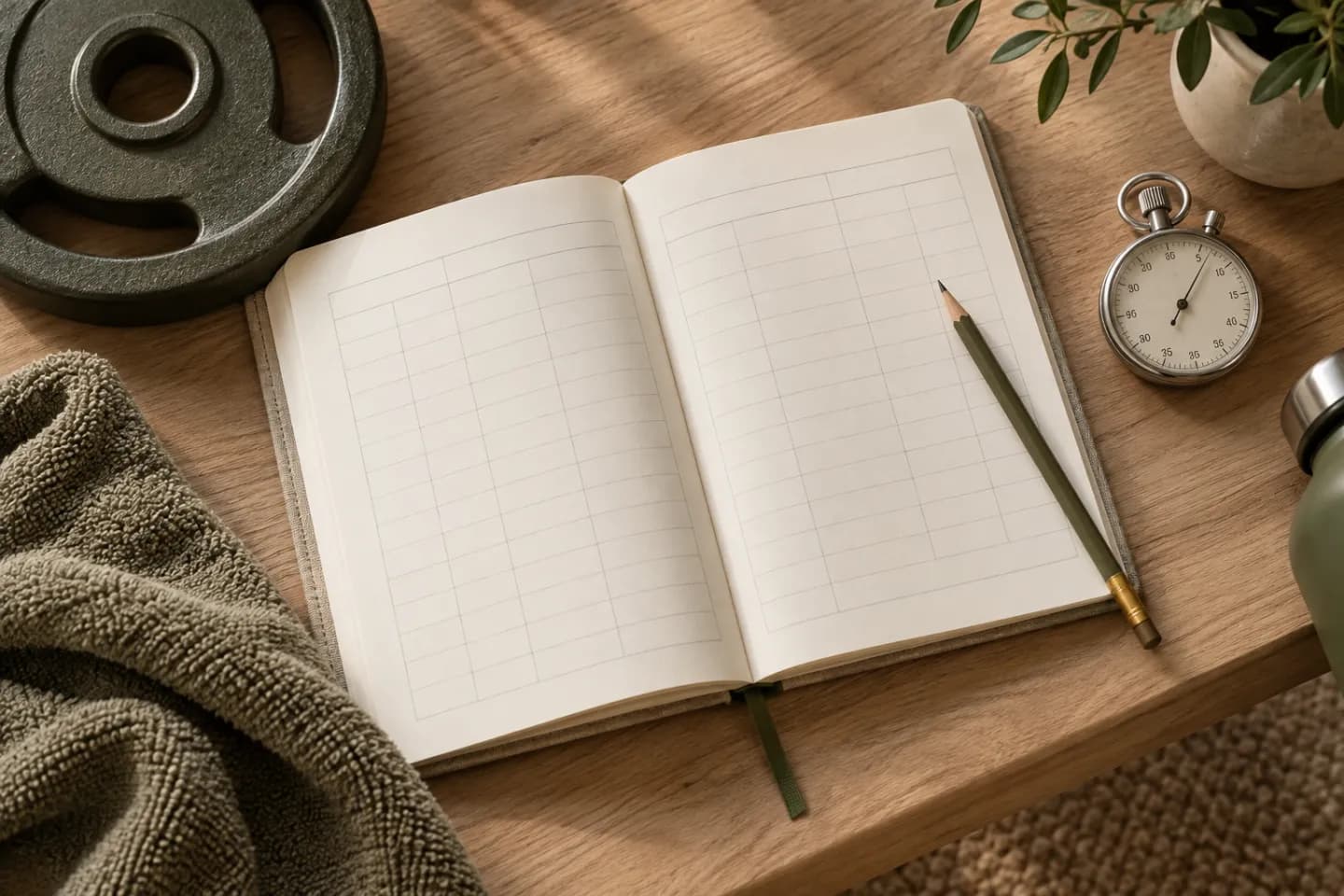
A useful workout tracker app makes it easy to record what you actually did and find that record at the next session. For strength training, start with exercise, weight, repetitions per set, and a brief context note. Evaluate those basics before comparing streaks, dashboards, or motivational messages.
A tracker is a record of completed work. A planner assigns future sessions, while an AI workout generator drafts a program from your inputs. One app can combine those jobs, but a polished plan is not a substitute for a clear, editable log.
Start with the fields that make a session reproducible
An exercise name needs enough detail to identify the version: 'supported one-arm dumbbell row' is more useful than 'back.' A weight field needs units and a convention. For dumbbells, choose whether the number means one dumbbell or the combined pair and keep that convention stable. For unilateral exercises, state whether repetitions are per side.
Record each set separately. '30 reps total' could describe three even sets or one strong set followed by two very short ones. Those sessions may raise different questions next time. Keep warm-up work distinguishable from working sets, and allow a short note when equipment, setup, or rest differs.
Try entering this sample before committing to an app
The following is an invented logging example, not an exercise prescription or an Autumn screenshot. Enter comparable details during a trial. Then deliberately correct one repetition count and change an exercise name. A tracker that looks simple until you need to fix a mistake may be frustrating in everyday use.
| Exercise | Load convention | Working sets | Context note |
|---|---|---|---|
| Supported one-arm row | 20 lb in one hand | 10, 10 per side | Same bench support as last time |
| Dumbbell floor press | 15 lb per dumbbell | 10, 9 | Second set ended before control changed |
| Goblet squat | 25 lb total | 8, 8 | Usual stance; no added set |
| Walk | Not applicable | 20 minutes | Recorded separately from lifting sets |
Test the workflow between sets
During a real session, you may be standing up, breathing harder, and handling equipment. Check that the controls remain readable and that saving a set does not require several unrelated screens. You should be able to see the last comparable result without losing your current entry.
Test interrupted use too. Lock the phone, return to the app, and verify that the correct session remains open. Try changing a mistaken weight, replacing an unavailable exercise, and ending a shortened workout. These are evaluation steps for any product, not claims that every feature is available in Autumn or another app.
If you need offline access, an export, or a watch integration, verify that exact behavior in the current version before subscribing. An app store description can help you shortlist options; a hands-on trial tells you whether the workflow fits your routine.
Make the history answer one useful question
Ask: 'What happened the last time I performed this exercise in the same way?' A useful history view should make that answer easy. A weekly total of lifted weight cannot explain whether the underlying exercises changed, and an attendance streak does not show what happened inside a session.
Once a week, compare planned sessions with completed sessions, then review a few stable exercises. Note one decision for the next week, such as repeating a load or allowing more time for a crowded gym. CDC's adult activity resources explicitly include a physical activity diary; the record can be useful without an elaborate scoring system.
For strength progression, keep conclusions modest. The repetition-versus-load trial by Plotkin and colleagues supports recording both variables. It does not turn an app chart into a direct measurement of muscle growth or proof that a program is appropriate for your health circumstances.
Read the privacy information before adding more data
A workout log can reveal routines and health-related information. Apple's App Store privacy information describes categories of data that developers report collecting, including data linked to a person or used for tracking. Read the label together with the developer's privacy policy; the label is not a personalized guarantee about every use of the service.
Decide whether you need to connect additional health data, location, photos, or social features for the task you want to accomplish. Check the app's account-deletion process and whether you can obtain the history you care about. For a particular integration, inspect the requested permissions instead of assuming that installing an app requires granting everything.
Choose the smallest tool that keeps a trustworthy record
Compare candidates against three questions: Can I log accurately during a session? Can I correct the record afterward? Can I find it when making the next decision? A notes app or spreadsheet may satisfy a simple routine; a dedicated tracker may make repeated sets and exercise history easier.
If you also want planning or coaching, assess those functions separately after the logging test. Avoid choosing solely on the number of charts or the promise of automatic optimization. The useful result is a record you keep consistently and understand when you read it again.
Sources & further reading
- CDC: Adding physical activity as an adult, including activity tracking
- Apple: App Store privacy information and data choices
- Plotkin et al.: Repetition and load progression trial
Published by the Autumn team on . Have a correction or a question? Get in touch.