 Nutrition
How to use an AI meal planner for a realistic weekly menu
Build and review an AI meal plan around your preferences, schedule, and kitchen, with a sample day and practical checks for portions and nutrition estimates.
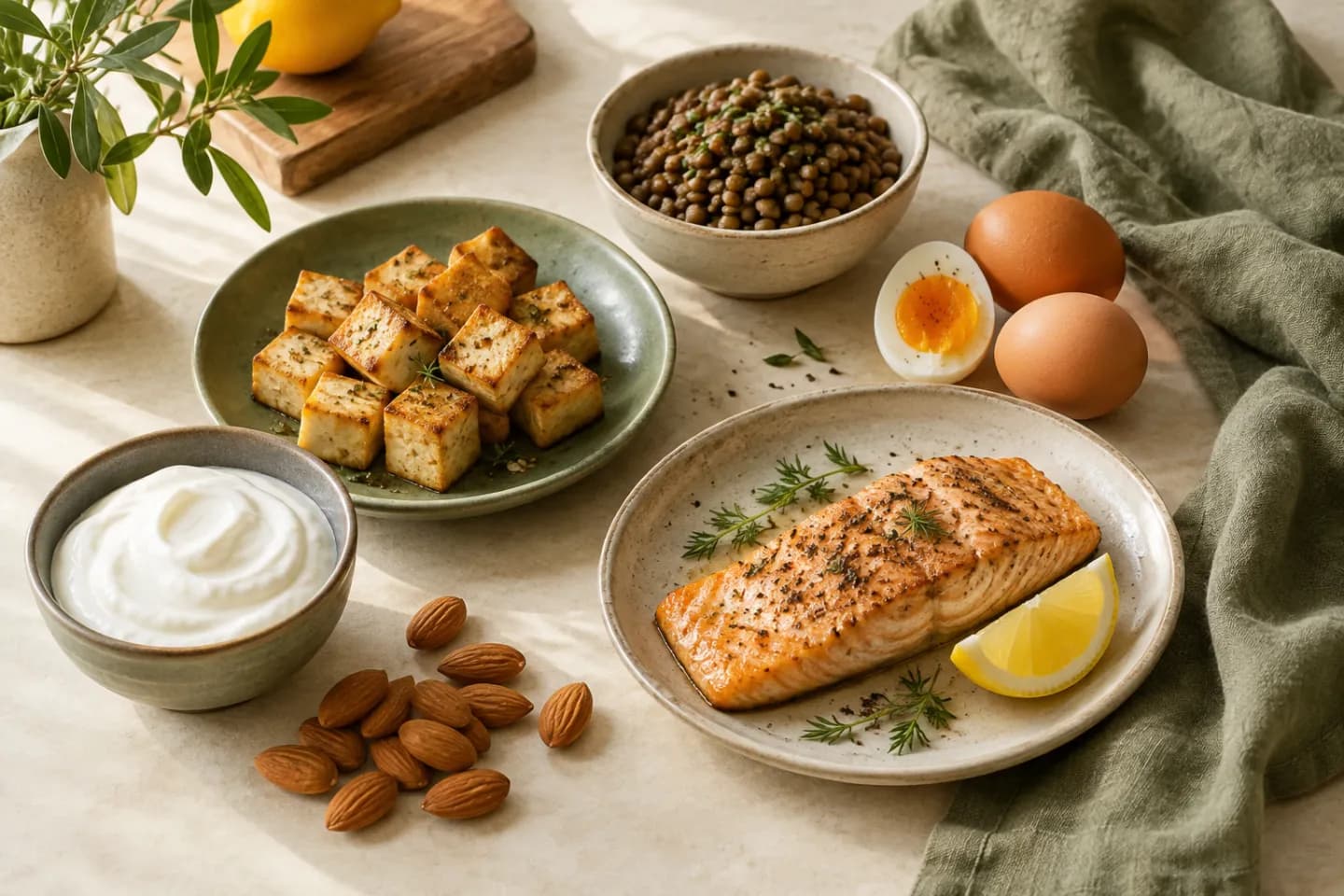
An AI meal planner can help turn food preferences and a busy calendar into a draft menu. Start with meals you will actually eat, the equipment you have, and how often you want to cook. Review ingredients, portions, and nutrition assumptions before turning that menu into groceries.
A plausible menu is not proof of nutritional adequacy or suitability for a medical condition. This guide shows a general planning workflow and an illustrative day, with no universal calorie or protein prescription.
Review a sample day as a structure, not a prescription
The alternatives are not automatically nutritionally equivalent. Replacing chicken with beans changes more than the ingredient name. Ask the planner to update the whole recipe and its estimate when you change the protein, grain, sauce, or portion.
| Meal | Draft idea | Question to resolve before shopping |
|---|---|---|
| Breakfast | Oatmeal with plain yogurt and berries | Which yogurt, how much of each ingredient, and is dairy appropriate? |
| Lunch | Chicken or bean grain bowl with vegetables | Is the protein amount written as raw or cooked weight? |
| Dinner | Tofu or fish, potatoes, and roasted vegetables | Which option will you actually prepare, and what does its label say? |
| Optional snack | Fruit with an appropriate protein-containing food | Does it fit your appetite, preferences, and dietary needs? |
Check where the numbers came from
For a packaged food, FDA explains that the Nutrition Facts amounts refer to the labeled serving, and that the serving size is not a recommendation of how much to eat. Compare the planned amount with the product you actually buy.
Ask whether an entry refers to dry rice or cooked rice, drained beans or the entire can, and a specific product or a generic estimate. Those distinctions can change the calculation. A clean-looking daily total should not hide uncertain inputs.
If exact nutrition management matters for a medical reason, use guidance from a qualified healthcare professional or registered dietitian. A generated menu cannot establish that it meets that person's advice merely by adding a nutrient total.
Treat allergies as a separate verification step
FDA identifies food labeling as an important source of allergen information. Read the actual ingredient and allergen statements for sauces, seasonings, bread, packaged alternatives, and other components. A recipe title such as dairy-free is not enough to verify every product used.
Do not let AI choose substitutions for a serious allergy without checking the specific replacement and your established safety guidance. A menu can help organize decisions, but it cannot inspect a kitchen, confirm cross-contact controls, or guarantee that a product's current formulation is suitable.
Make the menu easier to cook before making it more varied
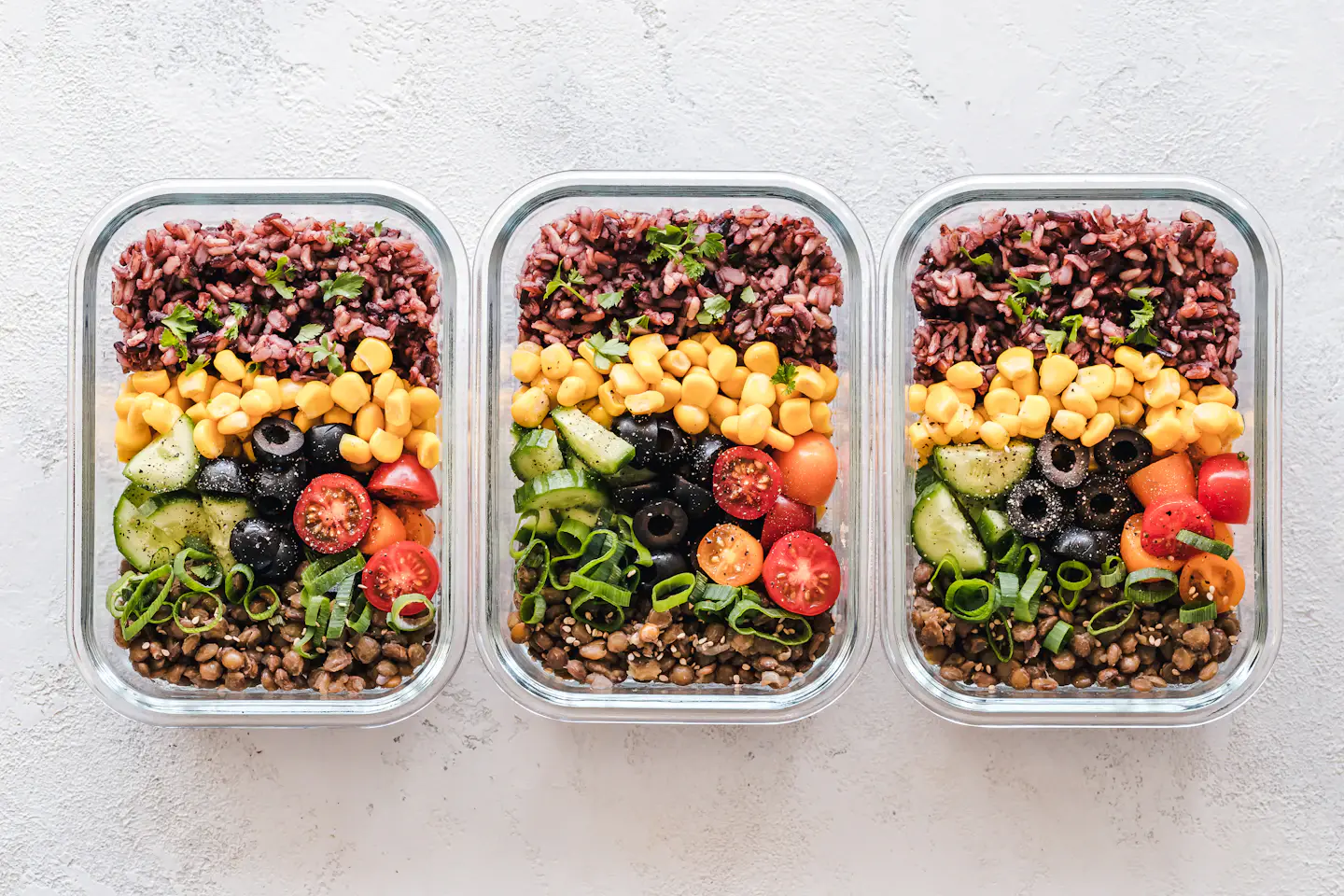
Look for ingredients that can appear in several meals without requiring identical dishes. Roasted vegetables might accompany dinner and become part of the next day's bowl. Keeping dressing separate can make the second meal feel different without another long cooking session.
Remove a recipe if it introduces several ingredients you are unlikely to use again. Replace a labor-intensive weeknight meal with something that fits the available time. Ask the planner to show active cooking time separately from baking, simmering, or cooling time so the schedule remains understandable.
Review what you ate before generating another week
At the end of the week, note meals you enjoyed, ingredients left unused, portions that did not suit your appetite, and recipes that took longer than expected. Keep the reasons specific: the lunch needed reheating but no microwave was available, or the recipe made twice the amount you wanted.
Autumn includes AI meal planning alongside workouts in its iPhone app. Whether you use Autumn or another planning method, bring those practical observations into the next draft. A repeatable menu grows from your real kitchen and preferences, not from generating maximum novelty every Sunday.
Common questions
Can an AI meal planner set my calorie target?
A tool may offer an estimate, but you should understand its inputs and limitations. Do not treat a generated number as medical advice or assume it is appropriate for every life stage, condition, or training goal.
Do I need a different meal every day?
No. Repeating meals you enjoy can simplify shopping and cooking. Preserve appropriate variety across your overall eating pattern and adjust repetition to your preferences.
Sources & further reading
Published by the Autumn team on . Have a correction or a question? Get in touch.