 Nutrition
AI meal prep: turn a menu into a workable cooking schedule
Convert an AI meal plan into a practical prep session with a cooking-order worksheet, equipment checks, storage decisions, and food-safety basics.
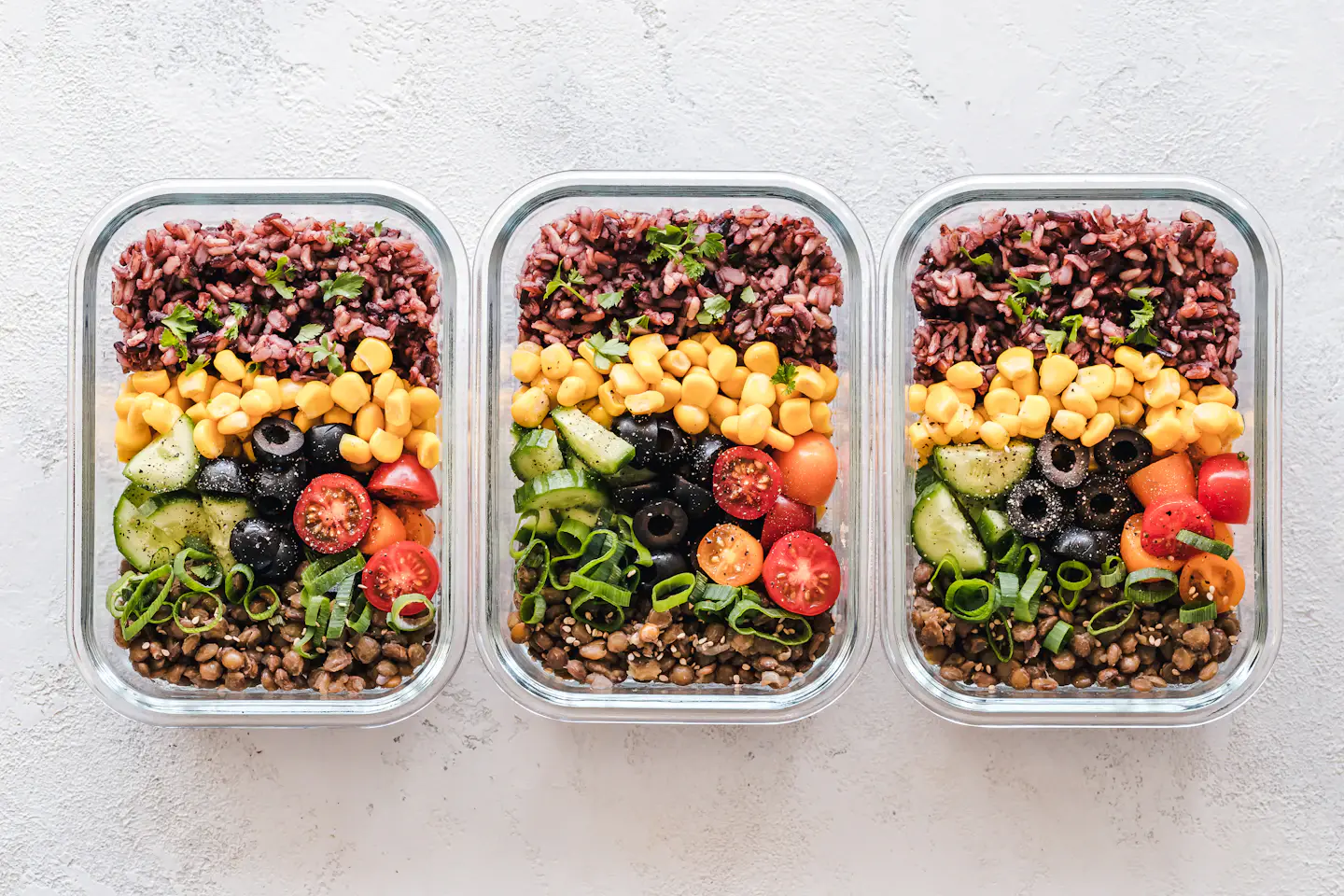
AI meal prep works best as a scheduling aid: take a reviewed menu, identify shared ingredients, and arrange the cooking tasks around your actual kitchen. Decide how you will store and use each portion before you start cooking. A list of appealing recipes is not yet a prep plan.
The workflow below is a general home-kitchen example, not an automatic feature claim for Autumn. Cooking time varies with the recipe and equipment; use appropriate recipes, package instructions, and a food thermometer rather than treating a generated timeline as a doneness test.
Give the prep session a limited job
Choose what the session must accomplish. For example, prepare three lunches and components for two dinners, while leaving breakfast as a simple assembly meal. That scope is easier to schedule than cook everything I might eat this week.
Count containers, available refrigerator space, oven racks, burners, and utensils. If several recipes all require the same pan at different temperatures, they cannot happen simultaneously just because an AI timeline places them in the same 20-minute block. Reduce the menu or cook in a deliberate sequence.
Order tasks by dependency, not by recipe title
Write approximate active time beside each task after you have tried the recipe. Keep cooking time distinct from your hands-on work. Your second session can then use observed times instead of accepting an optimistic estimate generated from recipe titles.
| Stage | Work to organize | Check before moving on |
|---|---|---|
| Set up | Read recipes, clear space, gather containers and thermometer | Cold ingredients remain refrigerated until needed |
| Prepare produce | Wash and cut vegetables; portion ready-to-eat additions | Tools and surfaces are ready for separate raw-food handling |
| Start longer cooking | Begin the grain and oven component using their own instructions | The oven setting and available cookware suit both tasks |
| Handle protein | Prepare the selected protein with appropriate separation | Use the food's required cooking method and temperature |
| Finish and portion | Verify cooking, assemble appropriate portions, label containers | Every portion has a refrigerator, freezer, or immediate-use destination |
| Reset | Clean used equipment and update the inventory | The next meal's instructions and storage dates are clear |
Ask AI to expose conflicts rather than invent precision
Try this request: Organize these recipes into a prep order using one oven, two burners, one large pan, and six containers. Flag temperature conflicts and shared-equipment bottlenecks. Keep recipe cooking instructions intact. Show which tasks can overlap and which must wait.
Inspect the result for hidden assumptions. Does it expect you to chop vegetables while continuously stirring another dish? Does it leave space to clean after handling raw ingredients? An extra buffer is more realistic than a schedule that requires every action to finish at exactly the predicted minute.
Build food-safety checks into the schedule
FoodSafety.gov recommends separating raw meat and poultry from ready-to-eat foods and using clean equipment. Its guidance says to refrigerate perishables within two hours, or within one hour above 90°F, and to use shallow containers for prompt cooling. Keep the refrigerator at 40°F or below.
The federal temperature chart lists 165°F for poultry and reheated leftovers. Other foods have different requirements, so check the chart for the food you are preparing. A brown surface, elapsed timer, or confident AI answer does not replace checking the appropriate internal temperature.
Make a storage map before filling containers
Label each container with the contents and preparation date, then assign its intended meal. FoodSafety.gov's cold-storage chart lists three to four refrigerated days for cooked meat or poultry leftovers, soups, and stews. Consult the specific food entry rather than assuming every dish lasts the same time.
If a portion is intended beyond the relevant refrigerated storage window, plan appropriate freezing promptly or make that meal later in the week. Do not place seven lunches in the refrigerator simply because the menu covers seven days. Storage capacity can determine how much you should cook.
Improve the next session with three observations
Record the task that delayed everything, the component you enjoyed most, and the portion or ingredient left unused. If the oven became the bottleneck, choose one stovetop or assembly component next time. If a sauce made lunches less appealing after storage, keep it separate where appropriate.
Use those notes to request a smaller, more practical revision. AI is useful here when it helps you reorganize known recipes around a real constraint. You do not need a completely new menu to fix one crowded pan, an inconvenient reheating step, or too many portions.
Common questions
Can I meal-prep an entire week in one session?
You can prepare some components ahead, but storage limits differ by food. Use the relevant guidance, freeze suitable later portions promptly, or split preparation across the week. Do not assume seven days of refrigeration is appropriate.
Is a generated 60-minute schedule reliable?
Treat it as a draft. Recipe size, equipment, experience, and cleanup affect timing. Track one real session and revise the schedule using what actually took time.
Sources & further reading
- FoodSafety.gov: Four steps to food safety
- FoodSafety.gov: Safe minimum internal temperatures
- FoodSafety.gov: Cold food storage chart
Published by the Autumn team on . Have a correction or a question? Get in touch.